Batch convert images to WebP in seconds.
Drag in PNG, JPEG, or entire folder trees. Get optimised WebP output with resize support and full folder structure preserved.
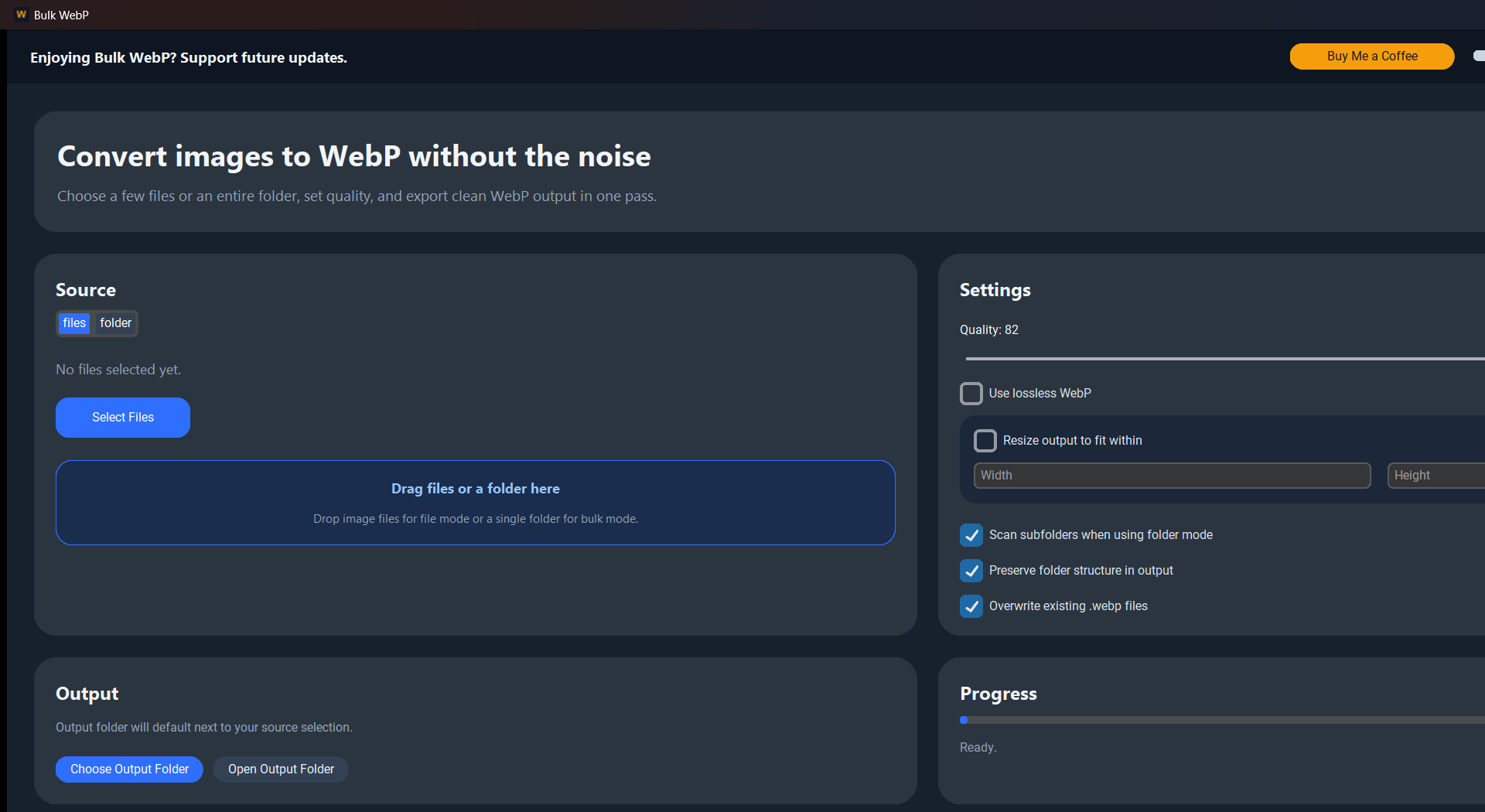
PNG and JPEG files are 3–5x larger than they need to be for the web. Bulk WebP converts them all in one drag-and-drop.
No per-image setup, no cloud uploads. Drop a folder tree and get the same structure back as optimised WebP.
Efficient. Fast. No nonsense.
Everything you need to convert image libraries to WebP — with resize, lossless mode, and folder structure preservation.
Preserve Folder Structure
Drop a complex folder tree and get it back intact in the output — every subfolder and nesting level mirrored. No manual reorganising after.
Resize on Export
Set a max width and height and every image scales down to fit during conversion. Perfect for generating web-ready, display-optimised assets in one pass.
Lossless Mode
Toggle lossless compression for full WebP fidelity with zero artefacts.
PNG, JPEG & More
Supports PNG, JPEG, BMP, TIFF, GIF — all converted to WebP in one click.
Drag & Drop
Drop individual files or entire folders directly onto the app. No file picker required.
Simple. One-time. Yours.
Personal
- check Single file or folder conversion
- check All input formats — PNG, JPEG, BMP, GIF
- check Up to 25 images per run
- block Personal, non-commercial use only
Bulk WebP Pro
- bolt Unlimited image processing — no cap
- check Resize on export (max width & height)
- check Preserve full folder structure
- check Commercial license + one-time key
Smaller files. Faster sites. One click.
Use Personal free for up to 25 images, then upgrade to Pro for unlimited processing, resize, and commercial rights.